

Overview Table
| Aspect | HDD (Hard Disk Drive) | SSD (Solid State Drive) | Practical Impact in 2026 |
|---|---|---|---|
| Technology | Mechanical spinning disks | Flash memory, no moving parts | SSDs are faster and more reliable |
| Boot Time | Slow | Very fast | SSD significantly improves daily usage |
| Application Loading | Delayed | Near-instant | Better multitasking with SSD |
| Durability | Prone to physical wear | Highly durable | SSD preferred for mobility |
| Noise and Heat | Noisy, warmer | Silent, cooler | SSD improves overall system comfort |
| Power Consumption | Higher | Lower | SSD extends battery life |
| Storage Cost | Cheaper per GB | Higher per GB | HDD still viable for bulk storage |
| Lifespan | Mechanical wear | Write-cycle limited but stable | SSD lifespan sufficient for most users |
| Use Case | Archival and backup | OS and active software | Hybrid setups common |
Introduction
SSD vs HDD As computing habits continue to evolve, storage technology plays a critical role in determining how fast, responsive, and reliable a system feels. In 2026, users are increasingly questioning whether traditional hard disk drives still make sense or if upgrading to a solid state drive is now essential rather than optional. This question is especially relevant for users running modern operating systems, productivity software, and everyday applications that demand speed and consistency.
The debate between SSDs vs HDDs is no longer just about raw performance. It now includes considerations such as cost efficiency, longevity, compatibility, power consumption, and overall user experience. While SSDs have become more affordable and widespread, HDDs still exist in many systems, particularly older desktops and budget laptops.
This article examines the SSD vs HDD debate in 2026 through a balanced lens. It combines technical analysis with real-world usage patterns and journalistic observation to help users decide whether upgrading is worth the investment. The goal is not to promote one technology blindly, but to clarify where each stands in today’s computing environment.
Understanding How HDDs and SSDs Work
The Mechanical Nature of HDDs
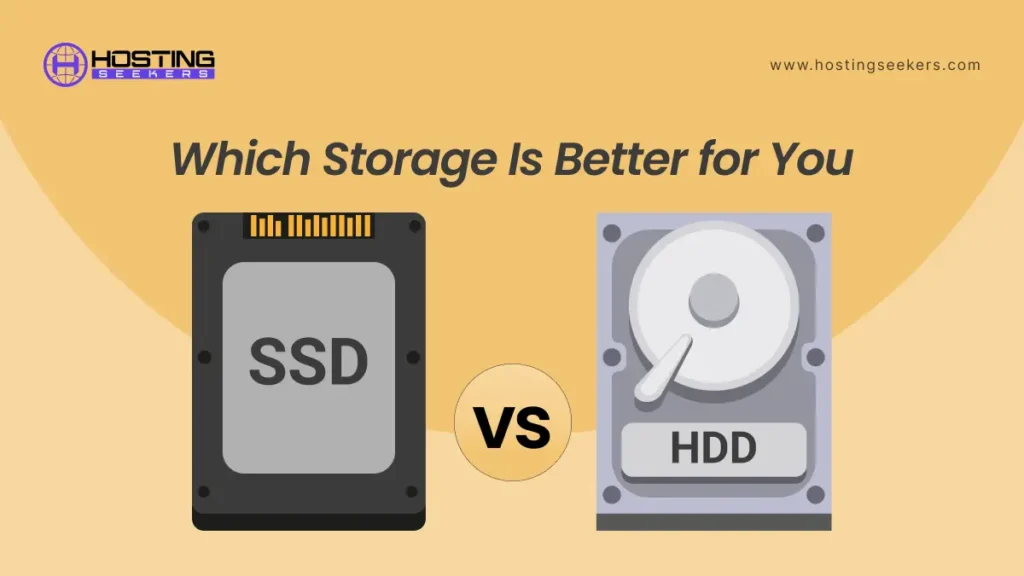
Hard disk drives rely on spinning magnetic platters and moving read-write heads to access data. This mechanical process introduces physical limitations. Every operation involves motion, alignment, and rotational speed, which directly affects performance.
Because of these moving parts, SSD vs HDD are more vulnerable to shock, vibration, and long-term wear. Over time, mechanical degradation leads to slower performance and higher failure risk.
The Solid-State Design of SSDs
Solid state drives store data on flash memory chips, eliminating mechanical movement entirely. Data access happens electronically, which allows SSD vs HDD to retrieve information almost instantly.
This design results in faster speeds, silent operation, lower heat output, and improved reliability. In 2026, SSD vs HDD technology has matured to the point where performance consistency is a defining advantage rather than a premium feature.
Performance Differences in Real-World Use
Boot Times and System Startup
One of the most noticeable differences between SSD vs HDD is system boot time. Systems running on HDDs often take several minutes to become fully responsive, especially with modern operating systems that load multiple background services.
SSD vs HDD reduce boot times dramatically. In daily use, this translates into immediate access rather than waiting, which significantly improves workflow and reduces frustration.
Application Launch and Multitasking
Modern applications rely on frequent disk access. HDDs struggle with random read and write operations, leading to delays when opening software or switching between tasks.
SSDs excel at handling simultaneous operations. Multitasking feels smoother, applications open faster, and background processes no longer interrupt active work. This difference remains one of the strongest arguments for upgrading in 2026.
Impact on Modern Operating Systems
Windows and Storage Expectations
Current Windows versions are optimized for solid state storage. Features such as fast startup, indexing, updates, and security scanning perform noticeably better on SSDs.
While Windows still runs on SSD vs HDD, the experience is less fluid. Updates take longer, background maintenance slows active usage, and overall responsiveness suffers.
Software Ecosystem Changes
Productivity tools, browsers, creative software, and development environments increasingly assume SSD vs HDD-level performance. Running these applications on SSD vs HDD creates a mismatch between software expectations and hardware capability.
In 2026, storage speed is no longer an optional enhancement. It is part of the baseline experience modern software is designed around.
Reliability and Durability Considerations
Mechanical Wear in HDDs
SSD vs HDD degrade over time due to constant movement. Bearings wear out, platters lose alignment, and read-write heads become less precise. This leads to gradual performance decline and eventual failure.
While SSD vs HDD can last many years, their failure patterns are often sudden and catastrophic, resulting in complete data loss without warning.
SSD Longevity and Write Limits
SSD vs HDD have write-cycle limitations, but modern drives are engineered to handle years of normal usage. For most users, the practical lifespan of an SSD vs HDD exceeds the useful life of the system itself.
Unlike SSD vs HDD tend to fail more predictably, often providing warning signs before complete failure. This improves data safety when proper backups are maintained.
Power Efficiency and Thermal Behavior
Energy Consumption Differences
HDDs require continuous power to spin platters and move mechanical components. This increases power draw and affects battery life in laptops.
SSDs consume significantly less power, especially during idle and low-intensity tasks. This translates into longer battery life and reduced strain on power systems.
Heat and Noise Management
SSD vs HDD generate heat and audible noise, particularly during intensive operations. This contributes to higher internal temperatures and fan activity.
SSD vs HDD operate silently and produce minimal heat. In compact systems and laptops, this improves thermal stability and user comfort.
Storage Capacity and Cost Analysis in 2026
Price Per Gigabyte Reality
HDDs remain cheaper per gigabyte, making them attractive for large storage needs such as backups, media libraries, and archival data.
SSDs cost more per gigabyte but have become significantly more affordable. The price gap continues to narrow, making SSDs accessible to a wider range of users.
Value Over Time
While SSD vs HDD may appear cheaper initially, the performance limitations often lead to indirect costs in lost time and reduced productivity.
SSDs offer better long-term value for active systems. The time saved through faster operations often outweighs the initial price difference.
Use Cases Where HDDs Still Make Sense
Bulk Storage and Archiving
For users who need to store large amounts of data that are rarely accessed, HDDs remain practical. Media archives, backups, and cold storage benefit from low cost per gigabyte.
Secondary Drives in Hybrid Systems
Many systems in 2026 use a hybrid approach, combining an SSD for the operating system and applications with an HDD for bulk storage. This setup balances performance and affordability.
Who Should Upgrade to an SSD in 2026
Everyday Users
Users who browse the web, work with documents, attend online meetings, and use productivity software will experience immediate benefits from an SSD upgrade.
Students and Professionals
Faster boot times, smoother multitasking, and reliable performance make SSDs particularly valuable for academic and professional environments.
Older Systems
Even older PCs can feel significantly faster with an SSD upgrade. In many cases, replacing an HDD with an SSD extends system usability by several years.
Situations Where Upgrading May Not Be Necessary
Limited Usage Scenarios
Systems used solely for basic storage or occasional access may not require SSD performance.
Hardware Compatibility Limits
Very old systems with limited interfaces may not fully utilize modern SSD speeds, reducing the benefit of upgrading.
Installation and Migration Considerations
Ease of Upgrading
Upgrading from an HDD to an SSD has become straightforward. Most systems support direct replacement, and migration tools simplify data transfer.
Common Mistakes to Avoid
Improper cloning, insufficient backups, and compatibility oversight can complicate upgrades. Planning and preparation ensure a smooth transition.
SSD Types and What Matters in 2026
SATA vs NVMe SSDs
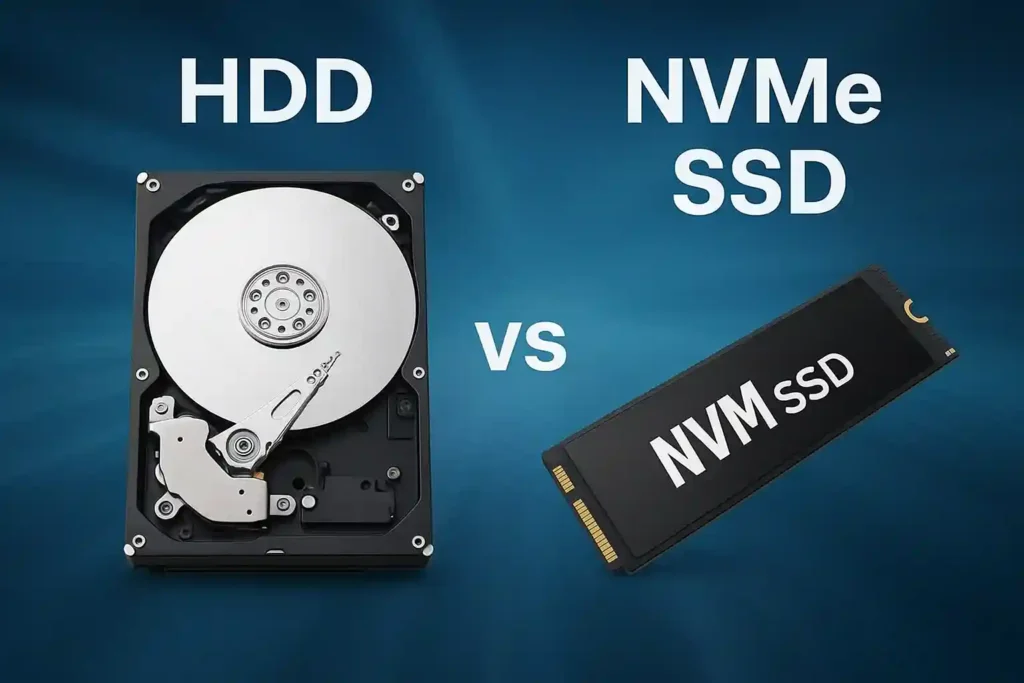
SATA SSDs offer significant improvements over HDDs and remain compatible with older systems. NVMe SSDs provide even higher speeds but require compatible hardware.
Choosing the Right SSD
For most users, reliability, warranty, and capacity matter more than peak benchmark speeds. Practical performance differences often outweigh technical specifications.
Environmental and Sustainability Factors
Energy Efficiency Benefits
Lower power consumption reduces energy usage over time, contributing to sustainability.
Reduced Hardware Waste
Extending the usable life of systems through SSD upgrades reduces electronic waste and replacement frequency.
Common Myths About SSDs and HDDs
SSDs Are Too Expensive
In 2026, SSD prices have stabilized to the point where they are cost-effective for most users.
HDDs Are Obsolete
HDDs still serve important roles in storage ecosystems, particularly for bulk data.
Conclusion
In 2026, upgrading from an HDD to an SSD is not just worth it for most users, it is often transformative. The difference in speed, responsiveness, reliability, and overall system comfort is substantial. SSDs align better with modern operating systems, software expectations, and daily usage patterns.
While HDDs still have relevance for large-scale storage and archival purposes, they no longer serve well as primary system drives. The mechanical limitations of HDDs create bottlenecks that modern computing workflows cannot easily tolerate.
For users seeking better performance, longer system lifespan, and improved daily experience, upgrading to an SSD represents one of the most impactful and cost-effective hardware improvements available. In the context of 2026, SSDs are not a luxury upgrade, but a practical foundation for efficient computing.
